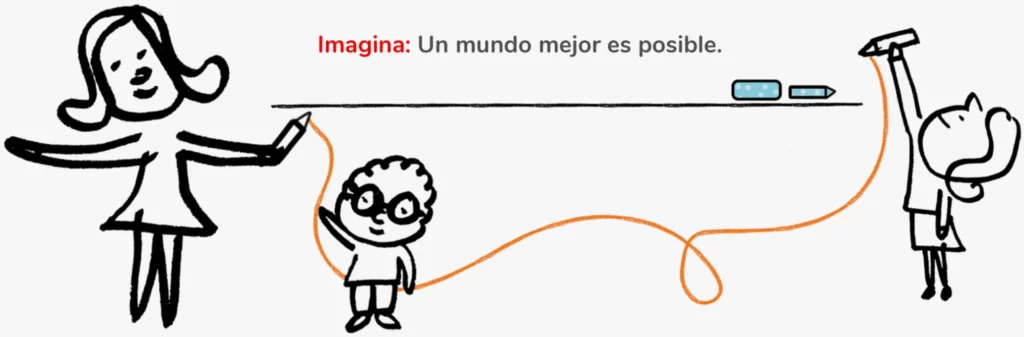
Imaginar es un poder: idear, concebir y crear algo nunca visto. Es construir un mundo mejor para que sea hogar del otro. Es hacer conexiones deslumbrantes con lo que sabemos. Imaginar hace grande el conocimiento. Es el camino para ir a todas partes y llenarse del mundo con libertad, para innovar en él y tomar riesgos. Imaginar es educar y maravillarse. Es la llave del aprendizaje que desarrolla el pensamiento abstracto y el pensamiento crítico. Es encontrar soluciones a los problemas. Imaginar es la emoción de saber cómo relacionarse con los demás y con el entorno. Es avanzar: ir de la percepción al aprendizaje significativo para realizar creaciones artísticas, científicas y técnicas. Imaginar es un poder para mejorar nuestra comunidad y contribuir al cuidado del planeta.